01
The Morgan Library & Museum
Redesigning Structure For The Morgan
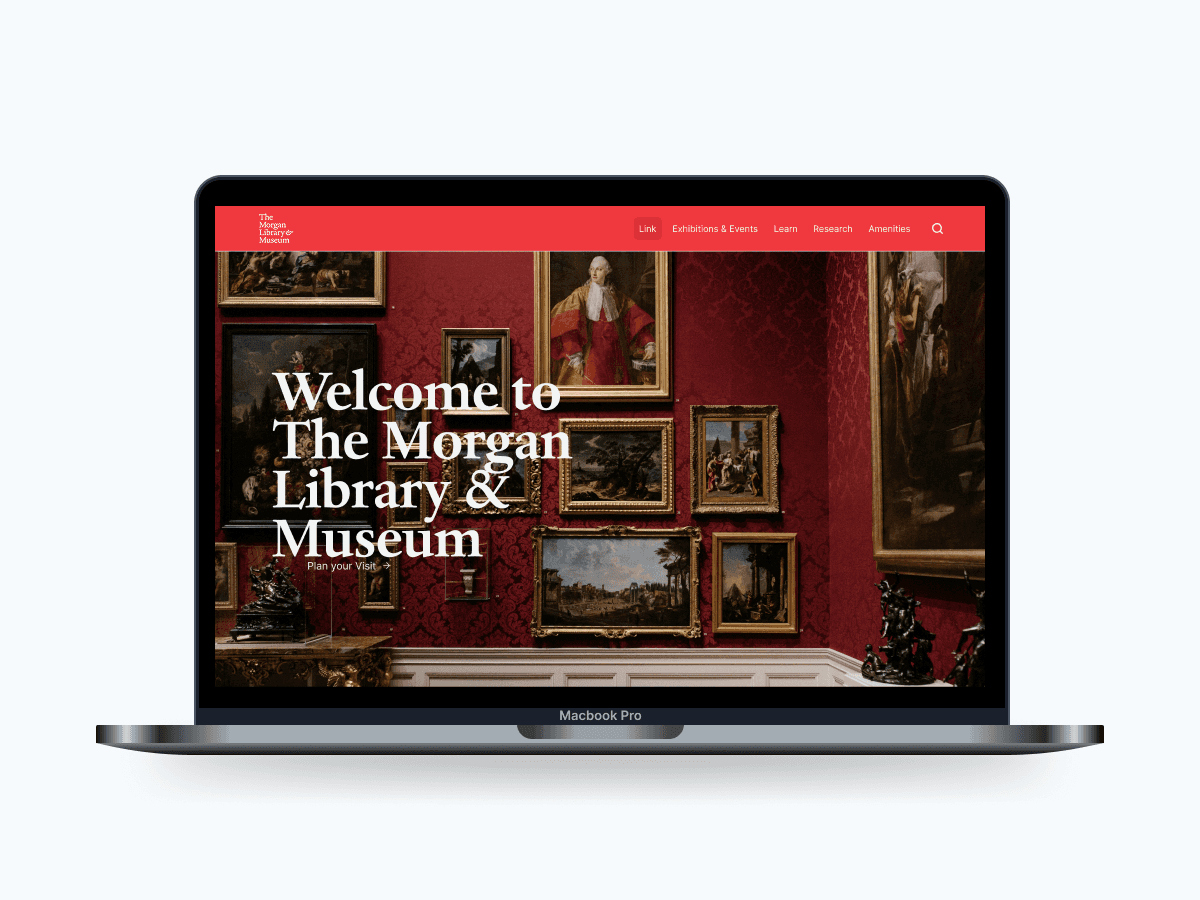
The Morgan Library & Museum is a museum and research library located in Manhattan, New York. The museum presents rotating exhibitions and serves as a research institution supporting scholars from all over the world. The institution underwent a major expansion in 2006. Its website, however, has received no similar treatment in many years.
Team
Jane Harleen Esha
Skills:
Duration:
Sep - Dec 2025
The Design Challenge.
The Morgan's website serves multiple critical functions: attracting and informing museum visitors, providing access to digital collections for researchers worldwide, facilitating online learning, and supporting the institution's fundraising and membership efforts. However, the current site struggles to effectively serve its users, having become bloated with information over time, resulting in an information architecture that doesn't clearly prioritize user needs.
Client Priorities
Establish a clearer and more intuitive information architecture – Organize content in a way that serves diverse user needs without overwhelming any single audience.
Optimize for mobile use – Ensure the site works seamlessly across all devices.
Understanding Museum Visitors
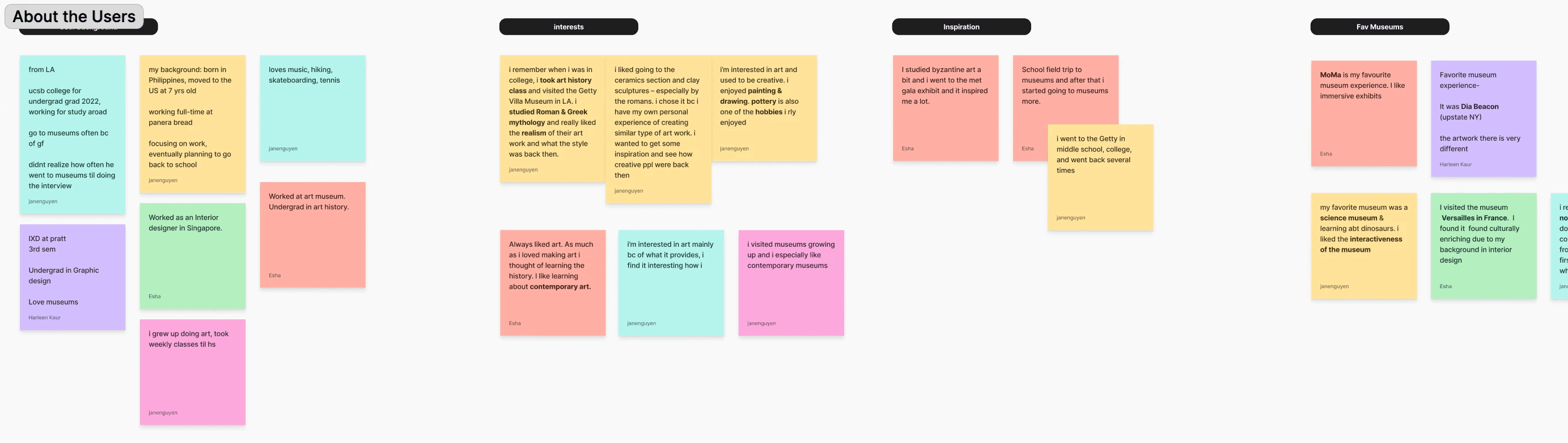
To understand how people actually plan visits & experience museums, we interviewed six museum-goers & did affinity diagramming to organize user insights.
Across conversations, a pattern was shown.
Visitors wanted:
Clear ticketing, exhibition, & event information
Accurate, easy-to-find museum details
Support across the entire journey! From planning a visit to reflecting afterward.
Visitors want to feel guided, not overwhelmed.
a glimpse into our affinity mapping! (click to view more)
Re-organizing The Morgan's Content Chaos.
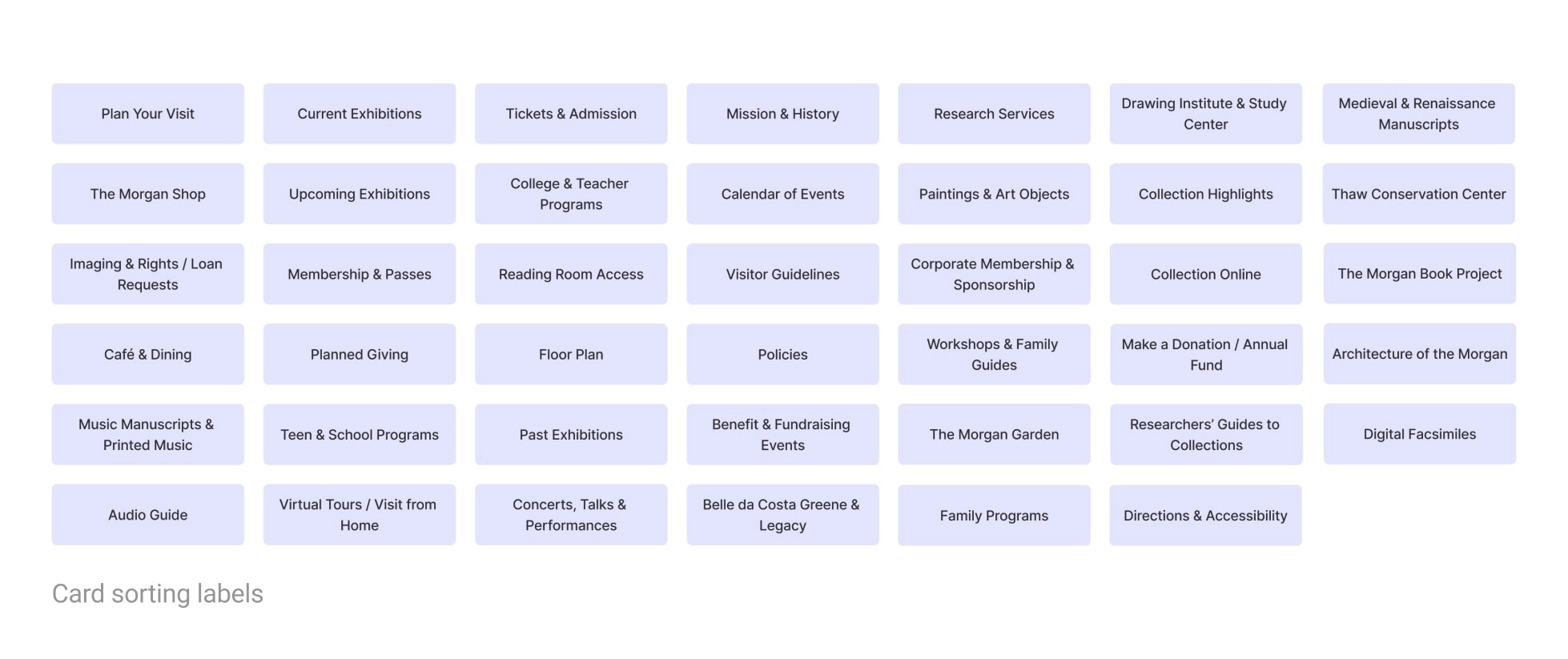
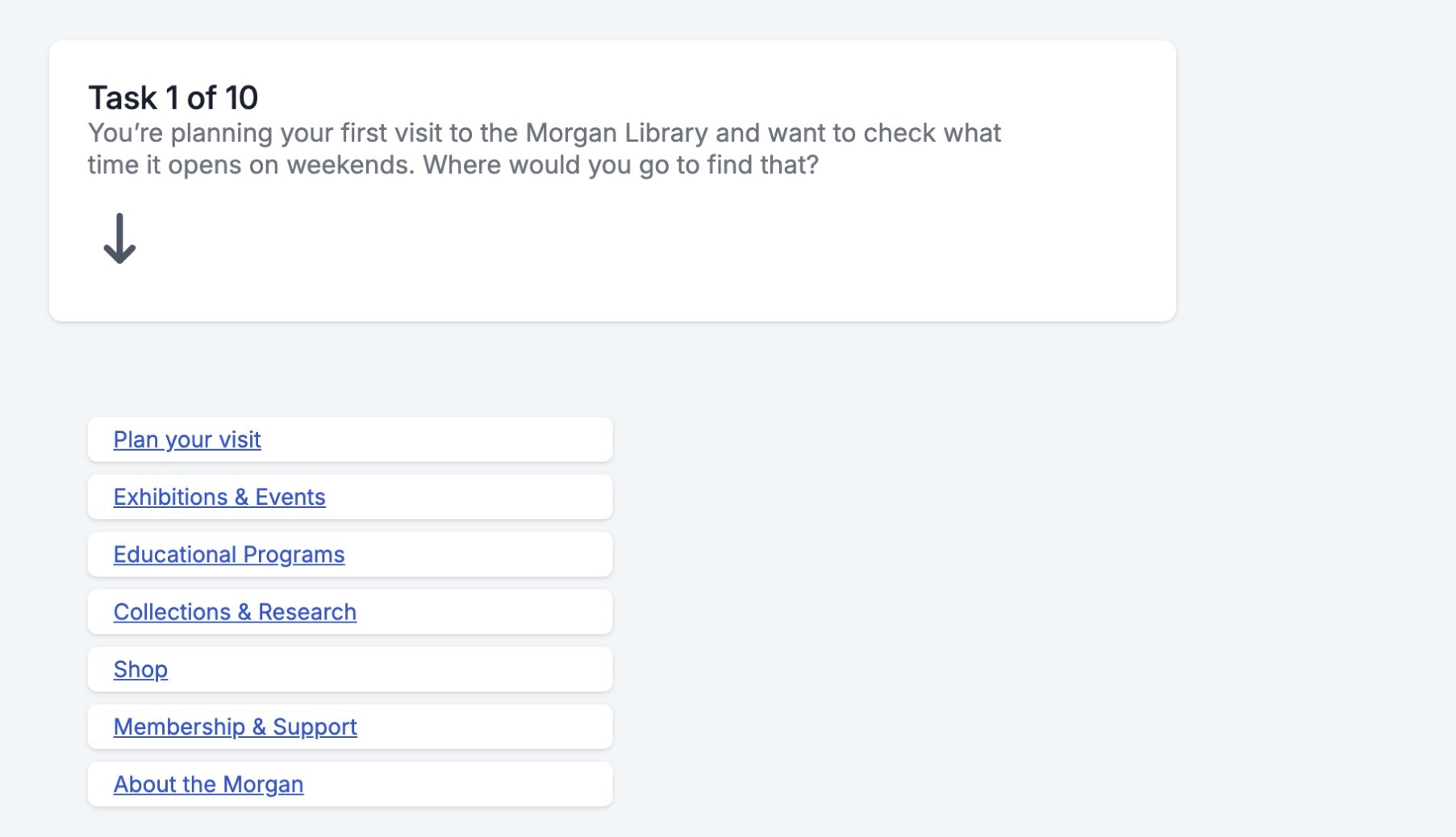
To address current content overload issues & poor information architecture, we ran six card sorting sessions with new labels and seven tree tests.
What we gathered:
Goal-based navigation felt most intuitive. Users grouped labels based on actions.
Familiar terms are the way to go. Niche museum language like “Reading Room” & "Digital Fascimilies" caused confusion.
Amenities section would be useful to group things such as Cafe & Dining to better organize current site structure.
These insights became the foundation for a restructured information architecture.
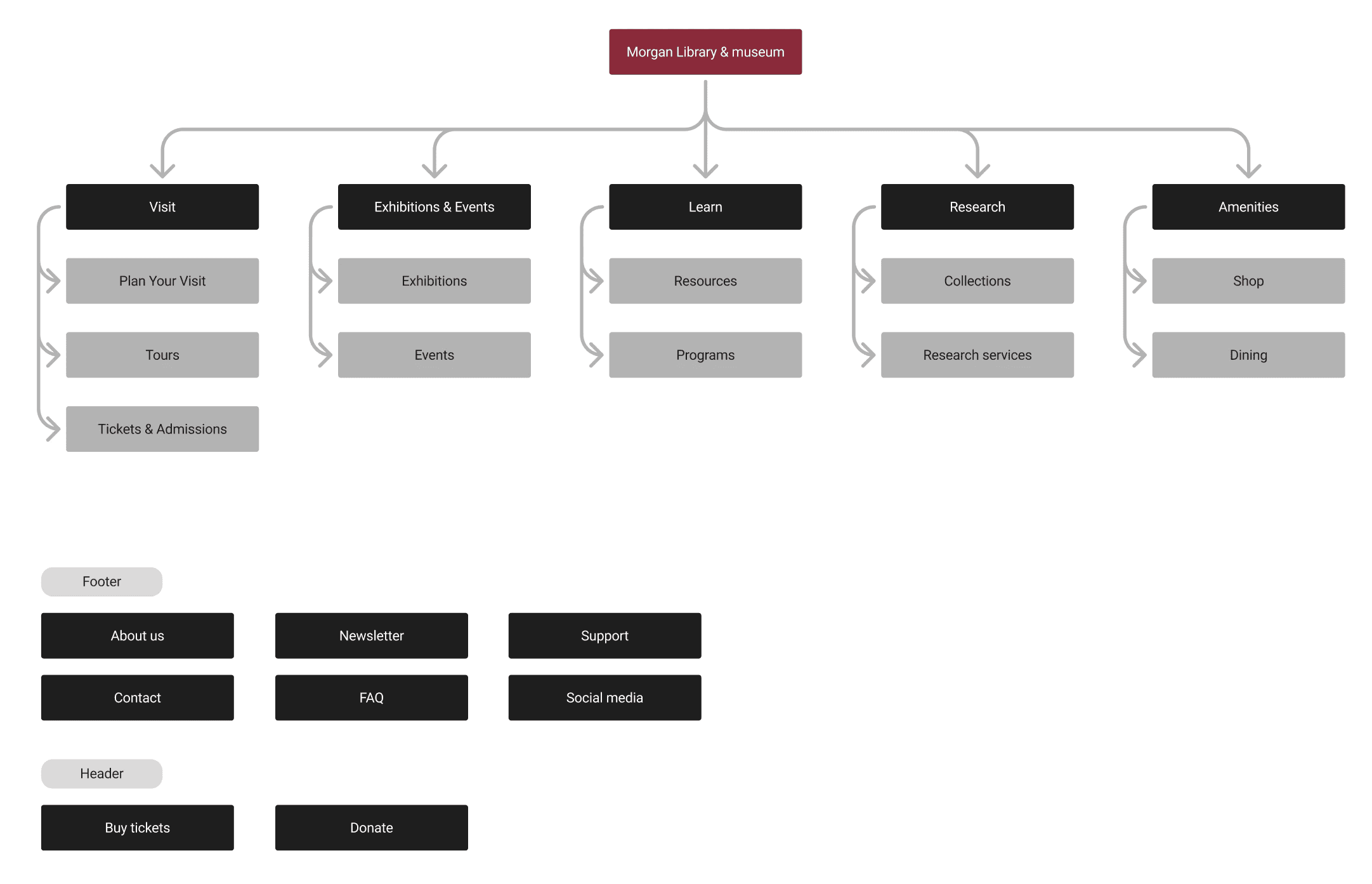
Redesigning The Morgan's Digital Experience.
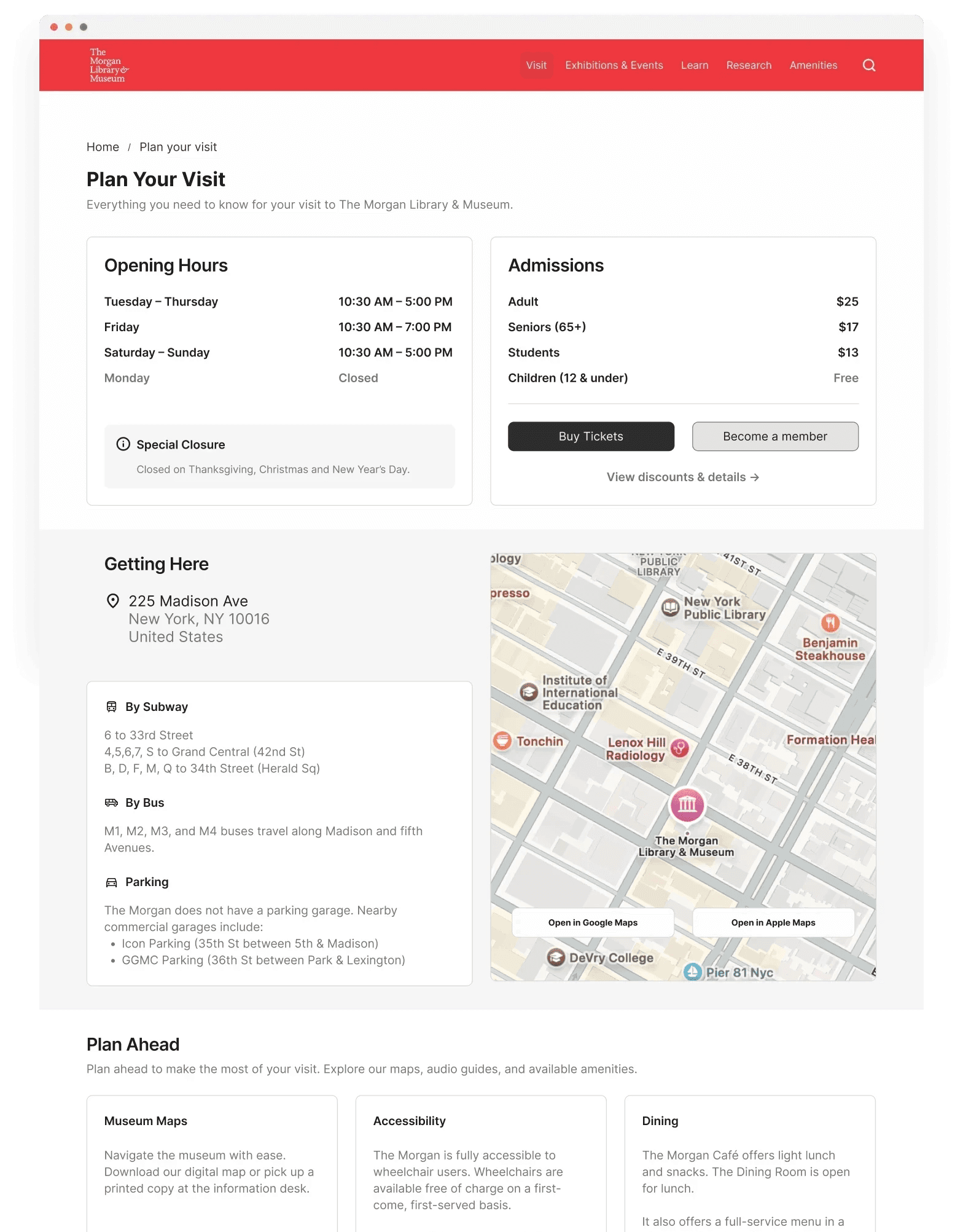
We focused on the 3 flows that mattered most to our users that are responsive on both Mobile & Desktop.
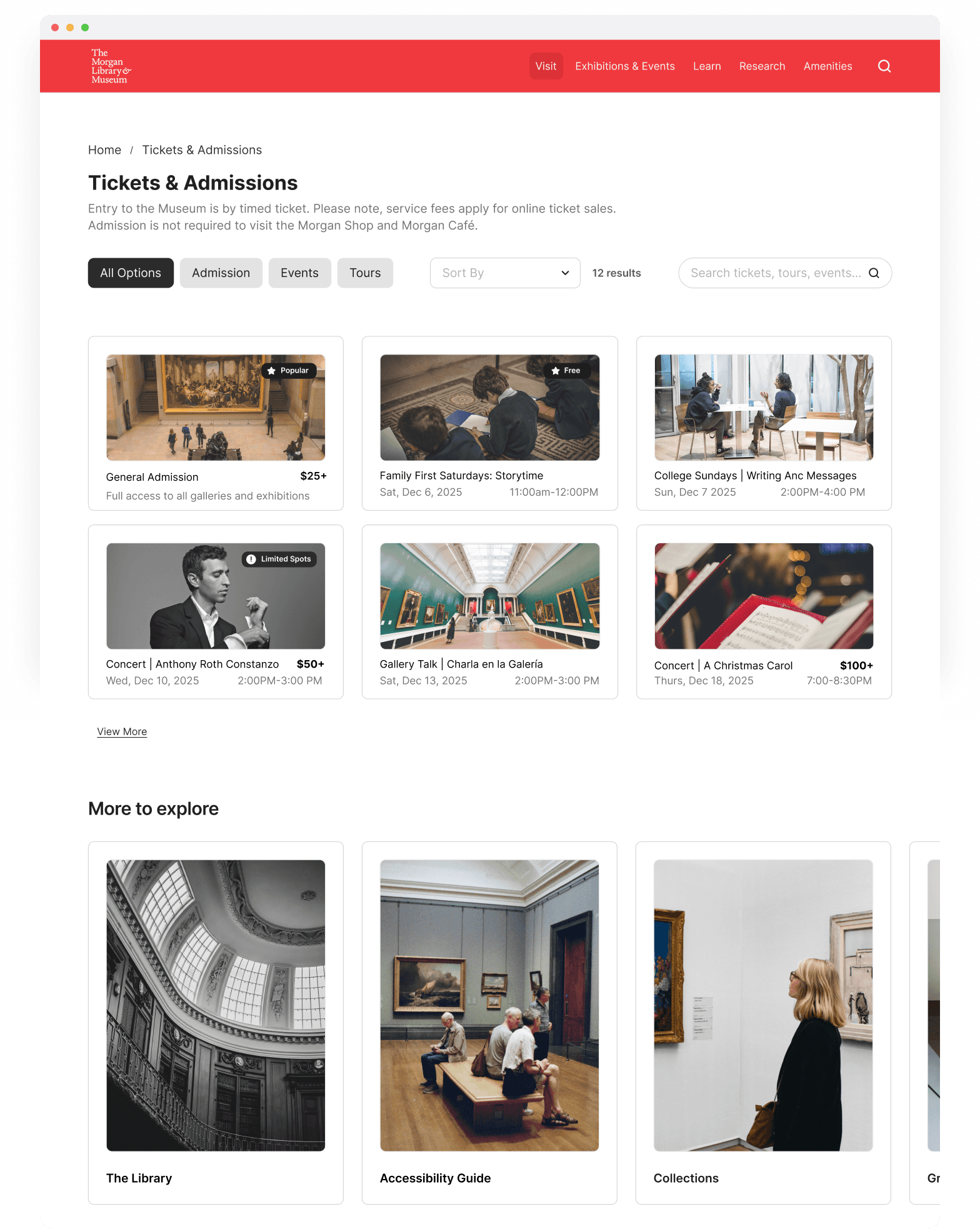
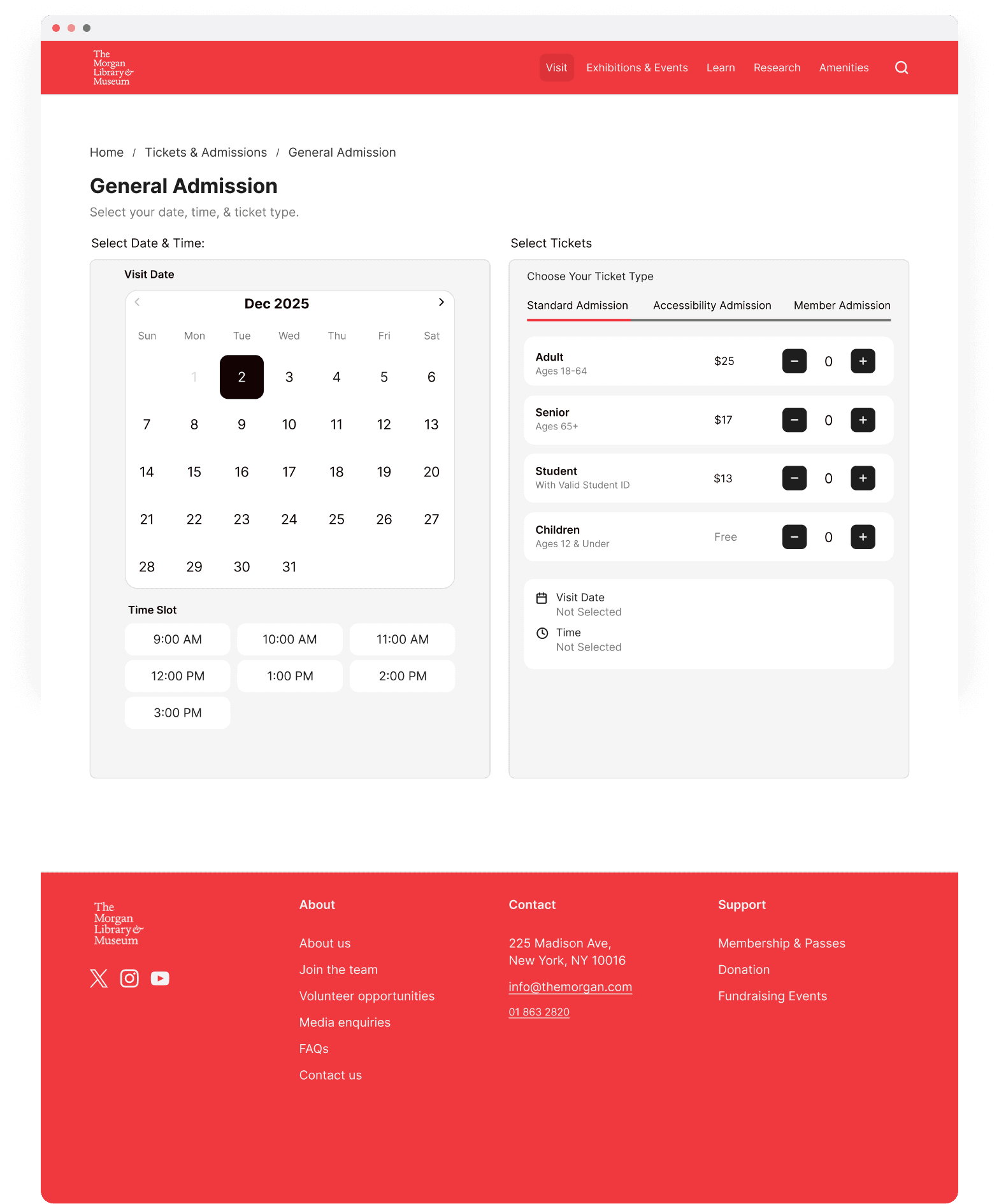
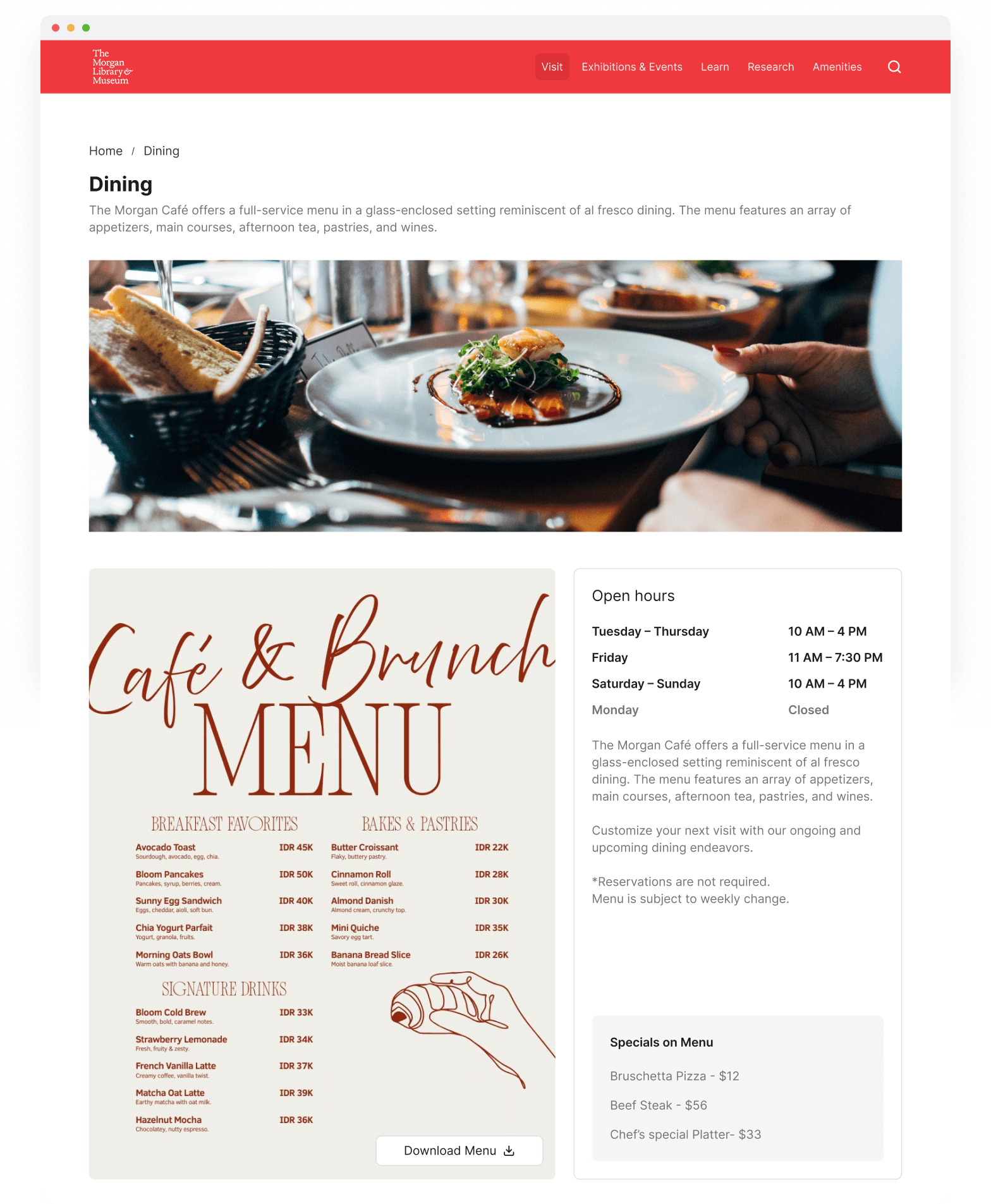
What I Learned.
Collaborating with my classmates on this redesign highlighted how much stronger design decisions become when grounded in user research. Identifying pain points in the existing Morgan experience helped me understand how thoughtful information architecture can directly impact usability, clarity, and user confidence. Also, really understanding museum visitors & their typical museum behaviors/mental models helped me connect with the design problems to better tackle this challenge!
02